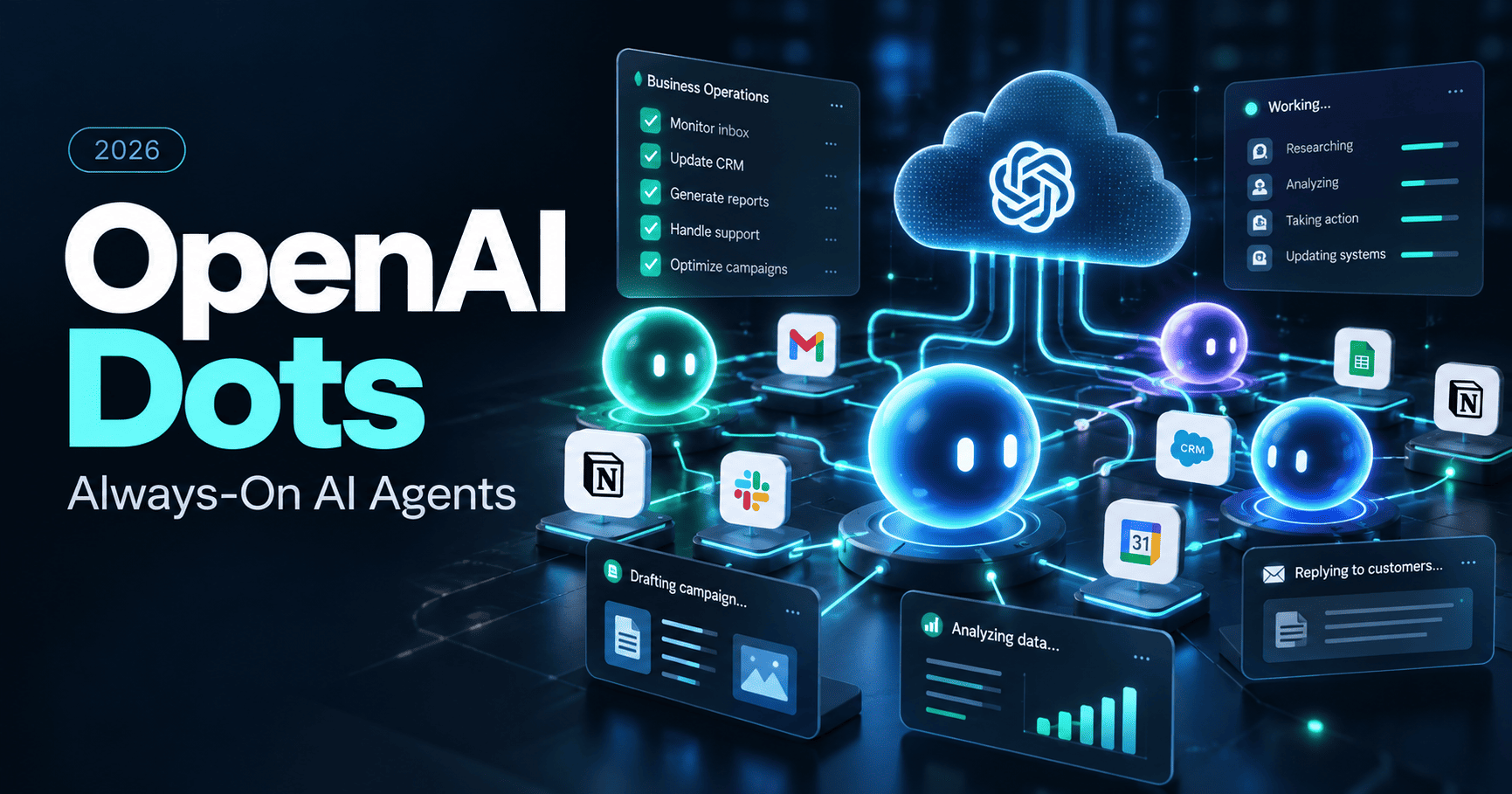
OpenAI Dots introduces a new category of automation: an AI agent that can keep working between conversations, use its own cloud computer and browser, and operate across connected apps with rules and approvals. For small teams, that makes Dots less like a traditional chatbot and more like an always-on digital operator.
This guide explains what OpenAI Dots are, what changed at DevDay 2026, how access and pricing work at launch, and where Dots fit alongside workflow platforms such as Zapier, Make, and n8n.
Research note: product capabilities, rollout details, and plan availability were checked against OpenAI’s official announcement and Help Center on September 30, 2026. Dots are rolling out gradually, so availability and limits may change.
What changed
OpenAI launched Dots as persistent, always-on agents powered by GPT-6 Astra. Each dot has its own cloud computer, can work across connected apps, and can continue making progress without a new prompt. The first dot is included in eligible Pro and Business Premium plans, while Enterprise can test the beta when enabled by an administrator.
What Are OpenAI Dots?
OpenAI describes a dot as an always-on agent inside ChatGPT that can take ongoing responsibility for work instead of waiting for a new prompt every time.
A dot is powered by GPT-6 Astra and has its own cloud computer. It can use a browser, work with connected apps, remember context, run recurring tasks, and continue working while you focus on something else.
That is the key difference from a normal AI chat. A standard conversation is usually reactive: you ask, it answers. A dot is designed to stay involved in an ongoing goal and keep making progress between conversations.
OpenAI says dots can connect through its plugin ecosystem to more than 4,000 apps. They can also be reached through ChatGPT, Slack, and Microsoft Teams, with additional messaging options planned.
How Dots Work
1. A dedicated cloud computer
Each dot has its own cloud computer and browser. That means it can operate separately from your personal computer unless you explicitly choose to connect local access.
You can open the dot’s computer to inspect what it is doing. Local-computer access is optional and starts turned off.
2. Ongoing responsibility instead of one-off prompts
A dot can take a project, keep working on it, and bring results back for review. OpenAI gives examples such as monitoring customer feedback, preparing tested fixes, updating launch materials, refreshing research as new evidence appears, and automating content-production work.
For a small business, the more interesting use cases are likely to be recurring research, monitoring, preparation, drafting, and operational follow-up rather than one isolated AI answer.
3. Connected apps and tools
Dots can work across the apps you choose to connect. Access is governed by the same app permissions and authorization boundaries that apply to those services.
Importantly, enabling a dot does not automatically give it access to every app, account, or website. Connections and permissions remain separate choices.
4. Scheduled and proactive work
Dots can run scheduled work and can also perform what OpenAI calls proactive research in the background. For proactive research, connected-app tools are restricted to read-only behavior, so the dot cannot use that background mode to send messages, change app content, or control your browser or computer.
This is useful for tasks such as watching a set of sources, reviewing updates, or surfacing things that may need attention without immediately taking an external action.
OpenAI Dots Pricing and Availability
At launch, OpenAI says the first dot is included at no extra cost for eligible ChatGPT Pro and Business Premium users.
- Pro: rolling out gradually in eligible markets. At launch, the Help Center excludes the European Economic Area, Switzerland, and the UK.
- Business Premium: available across supported ChatGPT regions.
- Enterprise: available as a beta when a workspace administrator enables access. It is off by default.
OpenAI also says plans include an allowance for deeper work, with extended limits during the first month after launch. Additional dots and ways to scale a dot’s output are planned for later.
That means the first-dot access model is clear, but the long-term economics of running multiple persistent agents are not yet fully published. Small teams should treat future multi-dot pricing and workload allowances as variables to watch.
See OpenAI’s official Dots announcement →
OpenAI Dots vs Zapier vs Make vs n8n
Dots do not make traditional workflow automation obsolete. They solve a different problem.
| Platform | Core approach | Best fit |
|---|---|---|
| OpenAI Dots | Persistent AI agent that can reason, research, use a cloud computer, and work across connected tools | Ongoing projects, research, follow-up, knowledge work, and tasks that require judgment |
| Zapier | Trigger-action automation and AI orchestration across a large app ecosystem | Fast business automation with predictable workflows and low setup complexity |
| Make | Visual scenario builder for multi-step automation and data routing | Teams that want flexible visual workflows with more control over branching and data flow |
| n8n | Technical workflow automation and AI orchestration with code, APIs, and self-hosting options | Technical teams that need control, complex logic, APIs, or self-hosted deployment |
The easiest way to think about the difference is this: Zapier, Make, and n8n are primarily workflow systems; Dots are primarily persistent AI workers.
A workflow platform is usually strongest when the process can be expressed as explicit triggers, actions, conditions, and data transformations. A dot becomes more interesting when the work is open-ended, changes over time, or requires the agent to decide what to do next.
For example, “when a lead submits this form, create a CRM record and send a notification” remains a natural Zapier, Make, or n8n workflow. “Watch customer feedback, identify recurring complaints, investigate them, prepare proposed fixes, and bring me the important ones” is closer to the model OpenAI is positioning Dots around.
Compare automation platforms
Need a structured workflow rather than a persistent agent? Compare the tradeoffs between today’s leading automation platforms.
Where Dots Could Help a Small Business
Research and monitoring
A dot could monitor public information, connected knowledge sources, or selected internal systems and surface changes that matter. For a content or marketing team, that could mean watching product updates and preparing research briefs. For sales, it could mean helping maintain context around an active opportunity.
Content operations
OpenAI specifically highlights a content-production example: a dot can work from a new interview transcript, identify useful moments, prepare show notes, and draft social content for review.
The important distinction is that the dot can continue learning from feedback across the process instead of treating each asset as a completely new chat.
Product and customer feedback
One of OpenAI’s examples shows a dot monitoring recurring customer requests, investigating issues, and preparing fixes for review. That is a more agentic workflow than simply sending new feedback into a spreadsheet.
Sales and proposal support
OpenAI also describes a sales scenario where a dot checks requirements against product documentation, identifies gaps, helps build a proof of concept, and keeps proposal materials updated as the deal changes.
These use cases are more ambitious than conventional automation, but they also require stronger review, permissions, and operational discipline.
Controls, Approvals, and Safety
Persistent agents raise a basic question: what can the agent do without asking?
OpenAI says Dots include built-in rules that determine when the agent can act independently and when it must ask for approval. Users can also configure custom rules to allow, require approval for, or block specific actions.
Dots also use an action-review system for actions that could affect accounts or share information. Some sensitive actions, such as changing a password, remain reserved for the user.
OpenAI explicitly warns that dots can still make mistakes. For consequential work, human review remains important.
What Dots Do Not Replace
Dots are compelling, but they do not eliminate several reasons teams still use workflow automation platforms.
- Deterministic processes: businesses often need the same steps to happen the same way every time.
- Auditability: explicit workflow steps can be easier to inspect, test, and document.
- Cost predictability: task- or execution-based automation can be easier to model than an agent doing variable amounts of work.
- Self-hosting: teams that need infrastructure control may still prefer tools such as n8n.
- Narrow integrations: a prebuilt workflow action may be simpler than giving an agent broad application access.
For many small teams, the likely future stack is not “agent or automation.” It is agents plus automation: a persistent agent decides, researches, and coordinates, while structured workflows handle repetitive actions that should remain predictable.
Who Should Consider OpenAI Dots?
Dots look most relevant for teams that already have recurring knowledge work that is difficult to express as a fixed workflow. That could include research, content operations, project follow-up, product feedback, proposal preparation, and other work where context and judgment matter.
Zapier or Make may remain the simpler choice when a business mainly needs app-to-app automation. n8n remains especially relevant when technical control, APIs, complex logic, or self-hosting are priorities.
If you are still deciding between traditional workflow platforms, start with our Zapier Review 2026, n8n vs Zapier comparison, or Make vs Zapier comparison.
FAQ
What is OpenAI Dots?
OpenAI Dots are always-on AI agents inside ChatGPT. They are powered by GPT-6 Astra, have their own cloud computer, can work across connected apps, and can continue making progress on ongoing tasks between conversations.
Are OpenAI Dots included with ChatGPT?
At launch, the first dot is included at no extra cost for eligible ChatGPT Pro and Business Premium users. Enterprise users can try the beta when their workspace administrator enables it.
Can a dot use my computer?
A dot has its own cloud computer. Access to your local computer is optional and starts turned off. You must explicitly connect a local computer before the dot can work there.
Can OpenAI Dots connect to other apps?
Yes. OpenAI says Dots can connect through its plugin ecosystem to more than 4,000 apps. The exact access depends on the apps you choose to connect and the permissions granted.
Do Dots replace Zapier or n8n?
Not directly. Dots are designed as persistent AI agents, while Zapier, Make, and n8n are primarily workflow automation platforms. Dots are better suited to ongoing work that requires judgment; structured workflow tools remain useful for predictable trigger-action processes.
Bottom Line
OpenAI Dots pushes AI automation beyond the single prompt. The important shift is persistence: an agent can keep context, work in the background, use its own computer, and stay responsible for an ongoing goal.
For small businesses, that does not mean replacing every automation with an AI agent. The more practical model is likely a hybrid stack: use persistent agents for research, coordination, and judgment-heavy work, and use platforms such as Zapier, Make, or n8n for repeatable processes that benefit from explicit workflow logic.
The biggest question now is not whether always-on agents can do useful work. It is whether their long-term cost, controls, and reliability make them practical enough to become a standard part of a small-business automation stack.