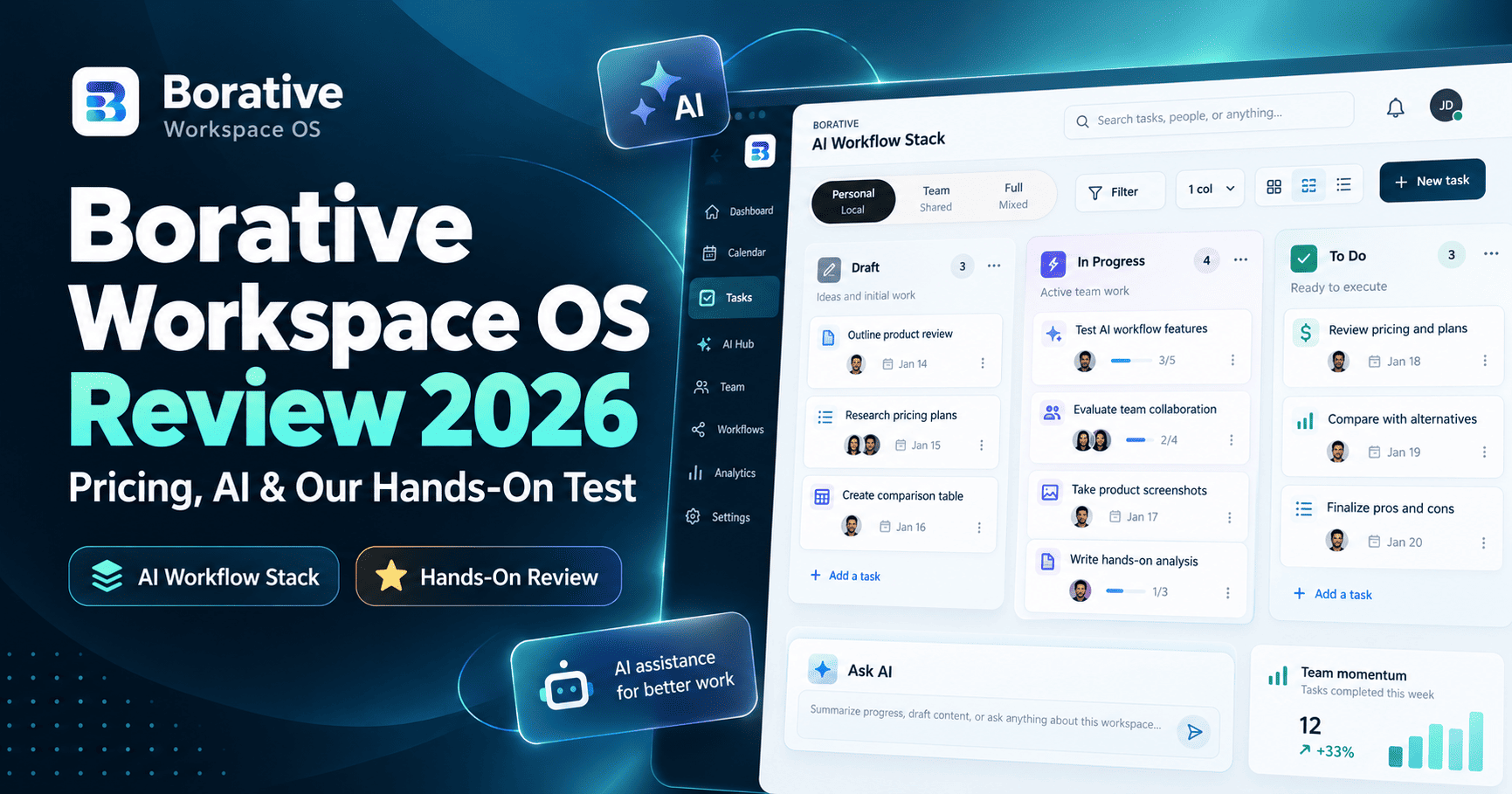
Borative Workspace OS is a task and collaboration workspace that combines personal and team work, comments, notes, time tracking, add-ons, and an AI assistant in one operating canvas. In our hands-on test, the core task workflow was easy to use and the AI Assistant Pro correctly read several workspace fields, but it also showed context gaps and one suggested “Create” action did not actually create the subtask we expected.
This Borative Workspace OS review covers current pricing, task management, AI Assistant Pro, integrations, plan limits, and what we found after testing the product ourselves on October 2, 2026.
Research note: pricing and product capabilities were checked against Borative’s official website in October 2026. AI features, credits, add-ons, plan gates, and integrations can change, so verify current terms before purchasing.
Quick Verdict
Borative Workspace OS is worth considering if you want a lightweight operating workspace that keeps tasks, notes, comments, time tracking, and AI-assisted recommendations close together. Its Free plan is useful for testing the core workflow, while Teams and Teams Plus expand collaboration and add-ons. The biggest caution from our test is that AI Assistant Pro was helpful but not fully context-complete, so human review is still necessary.
Best for: small teams, operators, agencies, and founders who want task execution plus workspace context in one place.
Less ideal for: teams that require a very large integration catalog or expect AI actions to execute automatically without review.
What Is Borative Workspace OS?
Borative Workspace OS is a work-management platform built around a shared operating canvas. According to Borative, the product combines tasks, subtasks, team collaboration, notes, chat, notifications, time tracking, workspace controls, and add-ons in one environment.
The product is organized around personal and shared scopes. That makes it possible to start with an individual workspace and move into team collaboration without changing products.
Borative also offers a separate product called Project Hub for more structured project management with dependencies, documents, approvals, and broader delivery controls. Workspace OS is positioned as the daily operating layer.
Borative Workspace OS Pricing in 2026
| Plan | Price | Current official limits / features |
|---|---|---|
| Free | $0/month | 1 workspace, up to 100 tasks, 3 projects, 1 member, personal tasks and notes |
| Teams | $6/seat/month | Team collaboration and assignments, up to 2 workspaces, 10,000 tasks, 100 projects, workspace audit |
| Teams Plus | $9/seat/month | Up to 5 workspaces, no plan-level task/project limit, add-ons, integrations, and advanced controls |
Paid plans are billed per seat. Borative also states that AI credit purchases are additional, and third-party subscriptions required by connectors are not included.
During our test, we used a Free workspace and did not purchase a paid plan.
Try Borative Workspace OS
Want to test the workflow yourself? Start with Borative’s Free plan and verify current plan limits, AI credits, and add-on availability before upgrading.
Our Hands-On Test
We created a workspace called AI Workflow Stack and tested Borative with a real editorial task: “Review Microsoft Copilot Autopilot article.” We intentionally kept the test small so we could verify how the platform handled task state, comments, history, time tracking, and AI recommendations without connecting private third-party accounts.
Task creation and workflow
The board included statuses such as Draft, To Do, In Progress, Review, Aborted, Urgent, and Recurring. We created the task in To Do, moved it to In Progress, then moved it to Review.
The status changes worked correctly and the task moved to the corresponding board column each time.
Inside the focused card, we could see and edit fields for:
- Status
- Type
- Priority
- Assigned user
- Due date
- Alarm
- External link
- Time tracking
- Stopwatch
- Comments
- Subtasks
The card also lets users show or hide selected fields, which can help keep the board compact while preserving deeper task detail.
Comments, drafts, and published history
One of the more interesting parts of the task workflow is the separation between draft notes and the published task log.
We wrote a note stating “Final pre-publication review completed.” and published it. Borative then displayed the note in the Published Log with the author, timestamp, reply controls, pinning, deletion, and reaction options.
This gives task comments more structure than a simple one-line activity feed and could be useful when teams want a visible record of decisions or review notes.
Time tracking and task controls
The task card exposed both a stopwatch and a time-tracking field. We also saw alarms, external links, subtasks, and assignment controls directly on the card.
For small operational teams, that reduces the need to open a separate tool just to see basic task context.
AI Assistant Pro: What We Found
Borative’s AI Assistant Pro can analyze the workspace, identify risks, summarize work, and suggest next actions. Borative says the assistant uses available workspace context and can prepare draft tasks and subtasks for review.
In our Free workspace, we were able to enable AI Assistant Pro without being asked to upgrade immediately. The assistant displayed a 50/50 counter before our first test query.
After each query, the counter decreased by one: 50/50 → 49/50 → 48/50. Based on this test, each request appeared to consume one unit from the displayed allowance. We did not verify the reset schedule or whether the allowance is identical for every account.
Test 1: task-level context
We asked the assistant to summarize the Microsoft Copilot Autopilot review task using only information available inside Borative and to avoid inventing missing information.
The assistant correctly identified:
- the task status as Review;
- the task type as Feature;
- the assigned user as AI Workflow Stack;
- that the task had no due date.
However, it said there was no additional description available and did not surface the published note we had already added to the task log. It also suggested reviewing the introduction section even though nothing in the workspace explicitly indicated that the introduction required review.
That makes the assistant useful for structured workspace fields, but we would not treat its context retrieval as complete.
Test 2: workspace-level analysis
We then asked AI Assistant Pro to report total tasks by status, tasks missing due dates, tasks with no subtasks, workflow risks, and the three most useful next actions.
It correctly reported:
- 1 task in Review;
- 1 task missing a due date;
- 1 task with no subtasks;
- no active shared team in the workspace.
Its recommendations—set a due date, break the task into subtasks, and create a team for collaboration—were logically consistent with the workspace state.
There was one wording inconsistency: the assistant initially referred to the item as a “personal draft task” even though it correctly listed the actual status as Review in the same response.
Does AI Assistant Pro create tasks automatically?
Not in our test.
The assistant displayed suggested actions with a Create button. We selected the action to break the existing task into subtasks. Borative opened the focused task card, but after returning to the board the task still showed 0 Subtask.
So in this test, the action did not automatically create the proposed subtask.
That behavior may actually be preferable for teams that want a human-in-the-loop workflow, but the interface could make the difference between “suggest” and “execute” clearer.
Integrations and Add-Ons
We also reviewed the Add-ons Dock without connecting any private services.
The connector catalog visible in our workspace included:
- Borative MCP — connects Borative context to compatible AI clients;
- Clockify — time-tracking integration;
- Slack — team updates;
- GitHub — issues, pull requests, and CI context;
- Redmine — assigned-ticket synchronization.
Borative’s official website notes that connectors require configuration, permissions, and access to the relevant third-party account. Add-on access can also depend on plan.
We did not connect any of these services during testing.
Tools in the Add-ons Dock
The Tools section showed AI Assistant Pro as installed. We also saw Calculator and Universal Viewer as installable options.
Smart Summary was visible but marked “under repair and will be available soon.” That is a current limitation we would verify again before relying on the feature.
What We Liked
- Fast task workflow: moving tasks between statuses was straightforward.
- Rich task cards: comments, alarms, subtasks, links, tracking, and custom visibility controls are close to the work.
- Published log: task notes can be drafted and then added to a visible history.
- Human-controlled AI: the assistant recommends actions rather than silently changing the workspace.
- Useful Free plan: the official Free tier currently supports one workspace, 100 tasks, three projects, and one member.
- Clear upgrade path: Teams and Teams Plus add broader collaboration, scale, audit, and add-ons.
What Could Be Better
- AI context was incomplete in our test: the assistant did not surface a published task note we expected it to use.
- Suggested AI action did not execute: the Create button opened the task but did not create the proposed subtask.
- Some AI recommendations were generic: one suggested subtask was not directly supported by workspace context.
- Smart Summary was unavailable: the add-on was marked as under repair during our test.
- Connector catalog is still relatively focused: teams dependent on many external apps should verify required integrations before migrating.
Who Should Consider Borative Workspace OS?
Borative looks most relevant for small teams and operators that want daily task execution, comments, notes, and lightweight operational context in a single workspace.
It may be especially useful for:
- small agencies;
- founders and operators;
- remote teams;
- content and editorial teams;
- teams that want a simple board plus AI-assisted workspace analysis.
Teams that need a very mature integration marketplace, complex automation, or highly specialized project portfolio management should validate those requirements carefully before switching.
Borative Workspace OS vs Traditional Workflow Automation
Borative is primarily a work-management workspace, not a replacement for automation platforms such as Zapier, Make, or n8n.
If your main requirement is moving data between apps through triggers and actions, a dedicated automation platform may still be the better fit. If your priority is keeping tasks, comments, status, notes, time tracking, and AI recommendations close together, Borative addresses a different operational layer.
For broader automation comparisons, see our n8n vs Zapier and Make vs Zapier guides.
Is Borative Workspace OS Worth It?
Based on our hands-on test, Borative Workspace OS is promising for small teams that want a compact operational workspace rather than another standalone task list.
The core task experience worked reliably in our test, the Published Log adds useful context, and AI Assistant Pro can identify obvious workflow gaps from structured task data.
The AI layer still needs supervision. It missed some context, produced a small wording inconsistency, and did not execute one suggested subtask action. That makes it more useful as a workspace copilot than as an autonomous operator.
The Free plan is enough to evaluate the product before committing to Teams or Teams Plus.
FAQ
Is Borative Workspace OS free?
Yes. Borative currently offers a Free plan at $0 per month with one workspace, up to 100 tasks, three projects, and one member.
How much does Borative Teams cost?
Borative Teams is currently listed at $6 per seat per month.
How much does Borative Teams Plus cost?
Borative Teams Plus is currently listed at $9 per seat per month and adds broader workspace capacity, add-ons, integrations, and advanced controls.
Does Borative have AI?
Yes. AI Assistant Pro can analyze workspace context, identify risks, generate recommendations, and prepare suggested actions. Usage is subject to available AI credits.
Does Borative integrate with Slack and GitHub?
Yes. Borative currently lists Slack and GitHub among its available connectors, alongside Clockify, Redmine, and Borative MCP. Connector access can depend on plan and setup.
Does Borative AI automatically change tasks?
In our test, no. The assistant presented suggested actions and required user interaction. One Create action we tested did not automatically create the proposed subtask.
Bottom Line
Borative Workspace OS combines a usable task board with richer task context and a cautious AI layer. Its strongest point is not autonomous automation—it is keeping execution, comments, tracking, and recommendations inside one operating workspace.
For small teams, the Free plan makes it easy to test. Teams and Teams Plus are reasonably priced on paper, but organizations should verify required integrations and AI credit costs before scaling.
We would keep AI Assistant Pro in a review-and-confirm role rather than relying on it to act autonomously.
Interested in trying Borative? You can open Borative Workspace OS here. We may earn a commission on eligible purchases at no additional cost to you.