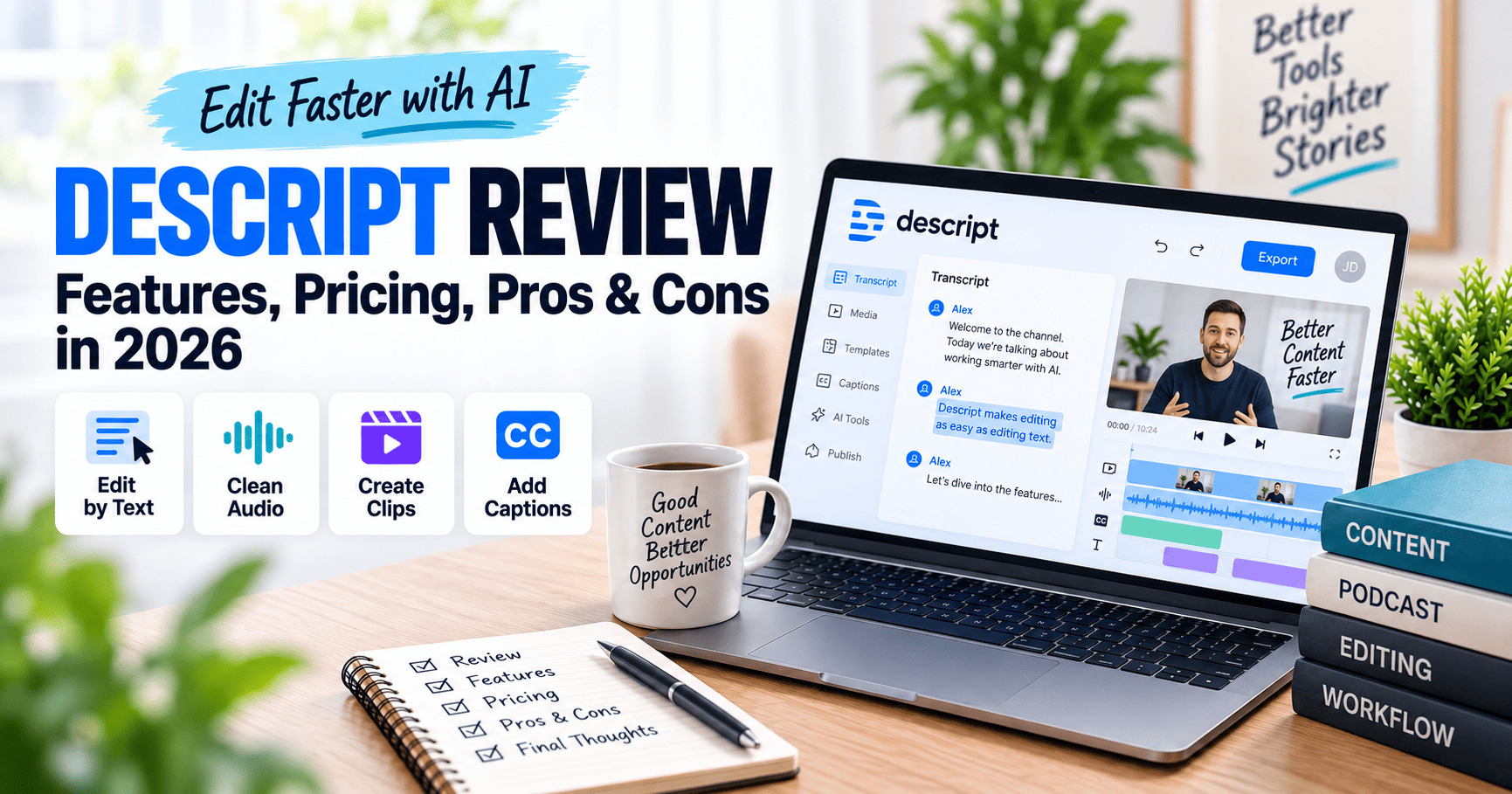
If you are looking for an AI-powered editor that can handle video, podcasts, transcription, captions, voice cleanup, and repurposing in one workspace, Descript is one of the more distinctive options available in 2026.
Unlike traditional video editors that revolve around timelines, Descript lets you edit recorded media by editing its transcript. Delete a sentence from the text and the corresponding audio or video is removed. That approach can make spoken-word editing much faster for creators who are more comfortable working with documents than with complex editing timelines.
This Descript review looks at the platform’s current features, pricing, AI tools, strengths, limitations, and the types of users who are most likely to benefit from it.
If you are comparing several tools for AI-assisted content production, start with our guide to the best AI content creation and automation tools.
Editorial note: This review is based on Descript’s publicly available product pages, pricing information, and documentation reviewed in September 2026. We are not claiming to have conducted controlled hands-on benchmark testing. Features, limits, and prices can change, so verify current details before subscribing.
Descript Review: Quick Verdict
Descript is a strong fit for creators, marketers, podcasters, educators, and small teams that produce a lot of spoken-word video or audio and want to reduce the amount of manual editing required.
Its biggest differentiator is the combination of text-based editing and Underlord, Descript’s AI co-editor. The platform also includes tools for transcription, audio cleanup, filler-word removal, captions, AI speech, voice cloning, translation, clip creation, screen recording, and remote recording.
The trade-off is that Descript is not trying to replace every advanced capability of professional timeline-based editors. Users who need detailed motion graphics, complex color workflows, or highly granular frame-by-frame control may still prefer a traditional editor for the finishing stage.
What Is Descript?
Descript is an AI-assisted audio and video editing platform designed around a transcript-first workflow. When you import or record media, Descript transcribes the spoken content and allows you to edit the recording by editing the words on screen.
The platform combines several tasks that would normally require separate tools:
- Video and podcast editing
- Automatic transcription
- Captions and subtitles
- Screen recording
- Remote recording
- Audio cleanup
- AI speech and custom voice clones
- AI-assisted clip creation
- Translation and dubbing
- AI-assisted writing and editing through Underlord
Explore Descript’s current Underlord features.
How Descript Works
The core idea is simple: Descript treats the transcript as an editing interface.
If a speaker repeats a sentence, pauses too long, or includes a section you want to remove, you can edit the text rather than manually hunting through a timeline. The associated media updates with the transcript.
You can still work with scenes, layouts, layers, transitions, captions, B-roll, and visual elements, but the transcript remains central to the workflow.
This makes Descript especially appealing for content where spoken language drives the structure, such as:
- Podcasts
- Talking-head YouTube videos
- Interviews
- Webinars
- Online courses
- Tutorials
- Internal training videos
- Marketing clips
Key Descript Features in 2026
1. Text-Based Video and Audio Editing
Text-based editing remains Descript’s defining feature. After transcription, you can cut and rearrange media by editing the transcript much like a document.
For users who find conventional timelines intimidating, this can lower the learning curve. It also makes it easier to search long recordings for specific phrases, remove sections, and restructure spoken content.
2. Underlord AI Co-Editor
Underlord is Descript’s AI video co-editor. Descript positions it as an assistant that can understand a project, make editing suggestions, and carry out multiple editing actions from natural-language instructions.
Current examples include helping with:
- Writing or revising scripts
- Finding clips
- Making bulk edits
- Removing filler content
- Creating social clips
- Applying layouts
- Translating or dubbing content
- Working with captions and AI speakers
Because Underlord works inside the editor, the goal is to reduce the number of separate AI tools needed during production.
3. Studio Sound
Studio Sound is Descript’s AI voice-enhancement tool. It is designed to reduce background noise and echo while improving the clarity of spoken audio.
This can be useful for creators who record in home offices, untreated rooms, or remote environments where professional audio treatment is not always practical.
See Descript’s Studio Sound details.
4. Remove Filler Words and Retakes
Descript can identify common filler words such as “um” and “uh” and remove them automatically. It can also detect repeated takes and help clean up false starts.
For podcasts, interviews, and educational content, these features can remove a large amount of repetitive cleanup work.
5. AI Speech and Voice Cloning
Descript includes AI speech tools that can generate spoken audio from text. Paid plans include access to custom voice cloning, while the platform also provides stock AI speakers.
This can be useful when you need to correct a line without re-recording an entire section, create narration, or generate additional spoken content from a script.
6. Automatic Transcription
Descript automatically creates transcripts from imported or recorded audio and video. Its current pricing page lists multi-language transcription support across 25 languages.
Transcription is not just an export feature in Descript; it is the foundation of the editing experience.
7. Captions and Subtitles
Because Descript already creates a transcript, captions can be added directly to video projects. You can style them and keep them synchronized with edits.
This is particularly useful for short-form video, social media clips, tutorials, and accessibility.
8. Translation and Dubbing
Descript currently supports translation and dubbing across 30 languages on supported plans. Business users also get access to translation proofreading features according to Descript’s current pricing page.
That makes the platform more useful for teams repurposing the same content for international audiences.
9. Create Clips
Descript can identify sections of longer recordings and turn them into shorter clips. Combined with captions and layout tools, this can help convert podcasts, webinars, or interviews into social content.
This is especially relevant for teams trying to build a repeatable content-repurposing workflow.
10. Remote Recording and Screen Recording
Descript also includes recording tools for interviews, podcasts, screen demonstrations, and remote conversations. This reduces the need to record in one app, export the files, and then move them into a separate editor.
Descript Pricing in 2026
Descript currently offers Free, Hobbyist, Creator, Business, and Enterprise plans. The company advertises lower prices when billed annually.
| Plan | Annual-billing price | Monthly-billing price | Media allowance | AI credits |
|---|---|---|---|---|
| Free | $0 | $0 | 1 media hour/month | 100 one-time AI credits |
| Hobbyist | $16/person/month | $24/person/month | 10 media hours/month | 400/month |
| Creator | $24/person/month | $35/person/month | 30 media hours/month | 800/month |
| Business | $50/person/month | $65/person/month | 40 media hours/month | 1,500/month |
| Enterprise | Custom | Custom | Custom | Custom |
Pricing note: Prices and plan details may change. Confirm the latest terms with the provider before purchasing.
View Descript’s current pricing.
Free Plan
The Free plan is enough to explore the editing workflow. It currently includes 1 media hour per month, 720p export, limited use of Underlord and AI tools, and a limited AI Speech trial.
Hobbyist Plan
Hobbyist increases the allowance to 10 media hours per month and 400 AI credits. It includes 1080p watermark-free export, Underlord access, AI editing tools, AI Speech, and custom voice cloning.
Creator Plan
Creator increases the allowance to 30 media hours and 800 AI credits per month. It adds 4K export, broader access to Underlord and more AI tools, AI video generation, and access to Descript’s royalty-free stock media library.
Business Plan
Business is aimed at collaborative teams. It currently includes 40 media hours, 1,500 AI credits per user per month, Brand Studio features, broader AI speaker access, translation and dubbing tools, custom avatars, and priority support.
Descript Pros
- Transcript-first editing: Makes spoken-word editing accessible to users who do not want to master a complex timeline.
- Broad AI toolkit: Underlord, Studio Sound, filler-word removal, AI speech, voice cloning, captions, and clip creation are integrated into the same workspace.
- Good fit for repurposing: Long-form recordings can be turned into clips, captions, transcripts, and translated versions without constantly moving between apps.
- Recording and editing in one platform: Screen recording and remote recording reduce workflow fragmentation.
- Free plan: Provides a practical way to test the editing model before paying.
Descript Cons
- AI credits introduce another usage limit: Heavy use of AI features can require careful monitoring, especially on lower plans.
- Media-hour limits matter: Creators processing many long recordings may need a higher tier or additional capacity.
- Not a complete replacement for advanced professional editors: Complex motion graphics, advanced color work, and highly detailed timeline control may still be easier in a traditional editor.
- Feature breadth can feel busy: Descript now includes many AI and media tools, so new users may still need time to understand how the pieces fit together.
Who Is Descript Best For?
Podcasters
Podcast editing is one of Descript’s most natural use cases because the transcript becomes the main editing surface. Studio Sound, filler-word removal, retake removal, captions, and clips all fit naturally into a podcast workflow.
YouTube Creators
Talking-head creators can edit from the transcript, add captions, improve audio, correct lines with AI speech, create clips, and export up to 4K on the Creator plan.
Marketing Teams
Marketing teams can use Descript to repurpose webinars, interviews, customer conversations, and product videos into multiple formats. Business features such as Brand Studio and team collaboration are designed for this kind of repeatable workflow.
Course Creators and Educators
For educational videos, the ability to edit spoken content from text can make corrections and restructuring easier. Screen recording, captions, voice cleanup, and translation also support training content.
Freelancers and Small Teams
Descript can reduce the number of separate tools needed for recording, transcription, audio cleanup, captions, short clips, and basic video editing.
Descript vs Traditional Video Editors
Descript and conventional editors solve some of the same problems, but they approach editing differently.
A traditional editor gives you granular timeline control from the beginning. Descript starts with the spoken content and transcript, then adds visual editing around it.
Descript is generally more attractive when:
- The project is driven by dialogue or narration.
- You want to edit quickly without learning a complex timeline.
- You need transcription, captions, and repurposing in the same workflow.
- You want AI to automate repetitive cleanup.
A traditional editor may be more appropriate when:
- Visual effects and motion graphics are central to the project.
- You require detailed color grading.
- You need precise frame-level control across a complex timeline.
- The content contains little or no spoken dialogue.
Is Descript Worth It in 2026?
Descript makes the most sense when editing spoken-word content is a regular part of your workflow.
If your main tasks are podcasts, interviews, tutorials, webinars, talking-head videos, or content repurposing, the combination of transcription, text-based editing, AI cleanup, and Underlord can consolidate several separate production steps.
The Free plan is useful for testing whether the transcript-first workflow feels natural to you. If it does, Hobbyist can work for lighter production, while Creator is the more practical option for creators who need 4K export and significantly more monthly media capacity.
For teams, Business adds collaboration, Brand Studio, more AI capacity, translation features, and additional enterprise-oriented controls.
Frequently Asked Questions
Can I use Descript for free?
Yes. Descript currently offers a Free plan with 1 media hour per month, 720p export, limited AI tools, and a limited AI Speech trial.
Can Descript edit video?
Yes. Descript supports video editing, scenes, layouts, captions, transitions, screen recordings, AI tools, and text-based editing from the transcript.
Does Descript include AI voice generation?
Yes. Descript includes AI Speech, stock AI speakers, and custom voice cloning on supported paid plans. If AI narration, multilingual dubbing, or dedicated voice cloning is your main priority, compare it with our full ElevenLabs review.
Can Descript remove background noise?
Yes. Studio Sound is designed to reduce background noise and echo while improving spoken audio.
Can Descript create short clips from long videos?
Yes. Descript’s Create Clips tools and Underlord can help identify and package shorter segments from longer recordings.
Is Descript good for podcasts?
Descript is particularly well suited to spoken-word content because the transcript is central to the editing process. Podcast creators can edit dialogue, remove filler words, improve audio, create captions, and repurpose episodes into clips from the same workspace.
Final Thoughts
Descript has evolved beyond a transcription-based editor into a broader AI content production platform.
Its strongest advantage is still the same idea that made it distinctive in the first place: edit the words, and the media follows. Underlord extends that concept by letting users ask an AI co-editor to perform larger editing tasks through natural-language instructions.
For creators and teams producing a steady stream of podcasts, interviews, tutorials, webinars, and talking-head video, Descript can simplify a workflow that would otherwise require several separate tools.
The best way to evaluate it is to start with the Free plan, import one real recording, and see whether transcript-first editing makes your own production process faster and easier to maintain.